
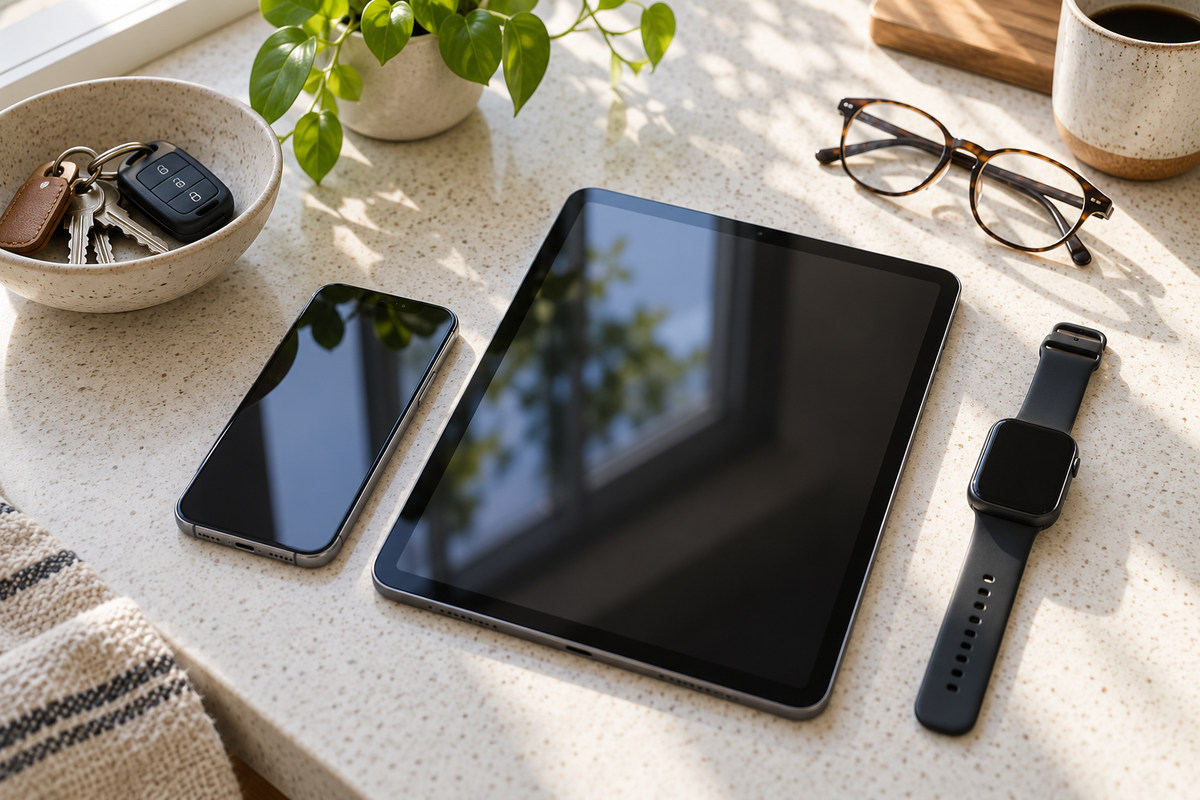
The task comes before the feature list
Write down the three tasks a device must handle every week. A phone used for maps, banking, photos and calls has different priorities from a tablet used for reading, study or drawing. A watch can be useful for notifications and activity tracking, but it is not a substitute for a phone when cellular service or emergency contact is essential. Naming the routine makes a long specification sheet easier to filter.
Then separate requirements from attractions. A bright screen or a high camera count can look compelling in a shop display, while battery endurance, storage, screen readability outdoors and repair options affect daily use. A feature belongs on the shortlist only if it improves a real task or removes a recurring annoyance.
How device types differ
| Device | Best fit | Trade-off to examine |
|---|---|---|
| Smartphone | One portable tool for calls, navigation, photos, payments and everyday apps. | Small screen and limited battery are hard constraints; premium models can be expensive to repair. |
| Tablet | Reading, note-taking, video, study and creative work where a larger screen matters. | Check whether the apps you rely on support a keyboard, stylus or desktop-style files. |
| Laptop | Long-form writing, spreadsheets, specialist software and file-heavy work. | Weight, battery life, port selection and compatibility with work or school systems matter. |
| Wearable | Quick notifications, timekeeping and activity measures without taking a phone from a pocket. | Many functions depend on a paired phone, account, permissions and a charged battery. |
| Smart-home device | Controlling a defined task such as lighting, heating or audio at home. | Cloud dependence, microphone settings, account security and end-of-support plans deserve attention. |
For a mixed household, compatibility can matter more than peak performance. Check whether a child’s school platform, a work login, a preferred note app or shared photo library runs on the operating system you plan to buy. Files and calendars become awkward to transfer when a device works in isolation from the household’s other systems.
Camera checks. Lens quality, sensor size, stabilisation, image processing, focus speed and performance in low light all contribute. Compare unedited examples taken in the conditions you care about, such as a moving child, a dim room or a bright beach.
 Multi-device work setups require software that minimizes distraction and maintains battery life.
Accessibility as a purchase criterion
Accessibility can be the deciding feature for a phone or tablet. Try a screen reader, voice control, magnification, larger text, caption styling and one-handed use in the shop or on a borrowed device. A menu that looks clear on a display model may be difficult to use outdoors in bright sun, with wet hands or while wearing gloves.
People who use hearing aids should check the device’s compatibility guidance and try Bluetooth pairing with the actual hearing device where possible. A wearable may offer a useful vibration alert, but it may also send too many notifications or require a separate app account. For a person with limited dexterity, test whether the case makes buttons harder to reach and whether a stylus or voice input can replace a small touch target.
Families choosing a shared tablet can set up individual profiles, larger text and restricted purchases before handing it to a child or older relative. A setting that has to be changed in several menus will be forgotten; record the useful path or make it a pinned shortcut. Sign-in, support and repair arrangements also need to be accessible.
New Zealand network and warranty details
Imported phones are not automatically a bargain for local use. Before ordering, confirm the exact model number supports the mobile bands used by your provider, can access the voice and data services you expect, and is not locked to an overseas carrier. “Unlocked” describes a SIM restriction; it does not confirm network compatibility. A local retailer or mobile provider can check the model number against its current requirements.
Coverage also depends on where you use a device. A phone that behaves well in central Auckland may have different reception in a rural valley, on a coastal road or inside a thick-walled building. If you depend on calling during travel, ask which network and roaming arrangements the device uses, and download offline maps for areas where data service may be interrupted.
Buying from an overseas marketplace can make returns, repair and dispute resolution harder. New Zealand consumer protections can apply to traders selling to people here, including overseas traders operating in New Zealand, but the practical cost of enforcing a claim may be higher. Check the seller’s identity, return address, warranty terms, GST and delivery charges before paying. A .co.nz web address alone does not prove the trader is based here.
Overseas phone. The exact model should be checked for network support, emergency calling, local software updates, carrier lock status and warranty coverage. Similar model names can contain different radios, so compare the full model code rather than a product family name.
Costs beyond the purchase price
Estimate the cost of keeping the device for the period you expect to use it. Include accessories, data plans, cloud storage, paid apps, subscriptions, repairs, screen protection and battery replacement. A cheaper model with little storage may push you into a monthly cloud fee; a premium phone may cost more upfront but receive software support for longer. Neither outcome is universal, so compare the actual service period and the features you will use.
- Check the maker’s published security-update period and what happens when updates stop.
- Find out whether the battery, screen or charging port can be repaired locally.
- Confirm that spare chargers, cases and cables use a standard you already own.
- Look for local warranty handling and written conditions, rather than relying on a verbal promise.
- Consider refurbished devices with a clear grade, battery condition, return window and repair history.
- Plan what happens to the old device: secure erase, account sign-out, recycling or responsible resale.
Battery capacity printed on a box is not a complete measure of endurance. Screen brightness, mobile reception, camera use, background syncing and cold weather all affect how long a charge lasts. Reviews can help identify patterns, but a realistic test for your routine matters more than a single headline number.
Subscription billing. Check the subscription pages for the app stores linked to your device, recent bank statements and direct billing accounts. Cancel through the channel that started the subscription and save the confirmation. Deleting the app alone may leave the payment active.
An app's upkeep starts after installation
An app’s listing may omit the practical limits that appear after installation. Check the operating-system version it supports, whether it works on a tablet as well as a phone, and whether its main features need a constant connection. Offline access can matter on a long trip or in a building with weak reception. A large map or video library can also use more storage than the download size suggests.
Compatibility matters when an app becomes part of a routine. Note whether it syncs between devices, supports a keyboard or screen reader, exports files in a format another program can open, and still runs on an older phone. Recent release notes show what has changed, while a trial version can reveal whether buttons, text and menus fit the device comfortably.
If notes, recordings or designs are stored only inside one service, changing devices may be difficult. A clear export option and a file format that remains readable outside the app give the user more choice later.
App compatibility. Check the operating-system version, available storage, supported device models and whether the features you need work offline. A trial or free version can reveal how an app behaves on your screen before a paid plan begins. Confirm that files can be exported if you may change devices or services later.
A clean setup for a new device
Check available storage, update the operating system, confirm the old device has a usable backup, then transfer only the apps and files that still have a purpose. A clean transfer can make the new device easier to navigate and avoid carrying years of duplicate photos, forgotten apps and old downloads.
- Back up the old device and confirm the backup opens before erasing anything.
- Choose which photos, documents, messages and apps should be copied, synced or left in cloud storage.
- Check that paid apps, subscriptions, accessibility settings and saved preferences have carried over as expected.
- Set text size, captions, notification sounds and home-screen shortcuts for the way the device will be used.
- Check storage before downloading a large photo library, offline map or video collection.
- Test calls, maps, Bluetooth, contactless payments and essential work or school apps while the old device is still available.
Keep the old device available until the transfer is complete and the important files open on the new one. For a family device, agree on app purchases, location sharing, screen-time settings and who can change them. A transfer wizard may copy settings that no longer fit the household, so review those preferences instead of assuming the old setup is still right.
Repair, resale and electronic waste
A cracked screen, failing charging port or battery that no longer lasts through a normal day can shorten a device’s useful life. A visibly swollen battery needs professional assessment; it should not be pressed, punctured or treated as an ordinary replacement part. When comparing repair quotes, ask which parts will be used, whether labour is included, how long the repair is covered and whether the work affects water resistance.
A resale listing is clearer when it describes battery condition, storage size, screen or port faults, previous repairs and included accessories. Keep the written quote and receipt with the device’s purchase details. For recycling, council and retailer arrangements can differ; check which items are accepted and how a damaged battery or storage component is handled before leaving the device at a collection point.