
Why a familiar message can still be dangerous
- Impersonation
Scammers borrow the details people expect to see: a bank logo, a parcel number, a road toll, an IRD reference, a mobile provider’s name or a family member’s writing style. A message can look polished and still lead to a false page. AI tools make it easier to personalise wording, imitate a voice or combine public details into a plausible story. Grammar alone is no longer a reliable test.
- Pressure and urgency
An urgent payment, account lock, court fine, prize, security alert or request to keep a conversation secret tries to replace the normal checks a person would use. A genuine organisation may ask someone to verify an account through its own service, but it should not need a user to reveal a password or read out a one-time security code.
- Pause and verify
Pause when a message creates a deadline, asks for a transfer, changes payment details, requests remote access or sends a link to “fix” an account. Do not use the contact number or link in that same message to verify it. Search for the organisation separately or use contact details saved before the message arrived.
If you clicked, replied or paid
- Stop the exchange. Do not keep negotiating, send another fee or install another app because the sender says it will recover money.
- Contact your bank or payment provider promptly. Ask it to secure the account, card or transfer and explain what information was shared.
- Change affected passwords from a trusted device. Start with email, banking and any account that used the same password.
- Remove remote access software. If you installed a tool at a caller’s request, disconnect the device from the internet and get help from a trusted technician.
- Keep evidence. Save messages, phone numbers, receipts, web addresses and dates; do not delete the account before recording what happened.
- Report through a suitable New Zealand channel. The National Cyber Security Centre accepts incident reports from individuals and small businesses; suspicious text messages can be forwarded to DIA’s free 7726 service.
Being tricked does not mean a person was careless. These approaches are designed to exploit trust, routine and time pressure. The first useful response is to reduce further access and tell the organisations that can protect the money or account.
Common routes into an account
| Message or call | What the scammer wants | Safer check |
|---|---|---|
| Bank alert about suspicious activity | A login, card number, one-time code or remote access to a device. | Open the bank’s official app yourself or call the number printed on the card. |
| Parcel or toll text | Card details and a small payment on a lookalike website. | Type the delivery company or agency’s known address and check tracking there. |
| “New number” from a relative | Fast money for an invented emergency. | Call the person on their previous number or verify with another family member. |
| Work request to change bank details | A transfer sent to an account controlled by a criminal. | Verify through a second channel already held on file, not by replying to the email. |
| Investment or giveaway message | An upfront fee, identity documents, wallet access or a seed phrase. | Check the firm independently and do not share wallet recovery words with anyone. |
| Unexpected tech support call | Remote control, software installation or payment for a fake repair. | End the call and contact the device maker or provider using a known route. |
A bank representative should not need a one-time login code. A code is a credential that can let someone enter an account or approve an action. End an unexpected call, then contact the bank directly. A legitimate support worker should not ask you to disclose your sign-in code.
 Data encryption routines and hardware authentication tokens protect account perimeters.
Secure the accounts that can reset everything else
Password resets and security notices from banks, social profiles and cloud services can arrive through the main email account, making that inbox a key recovery route. Give it a unique password or passphrase and turn on multi-factor authentication. A password manager generates and stores unique passwords, so a leak from one retailer does not unlock a bank, mailbox or work account.
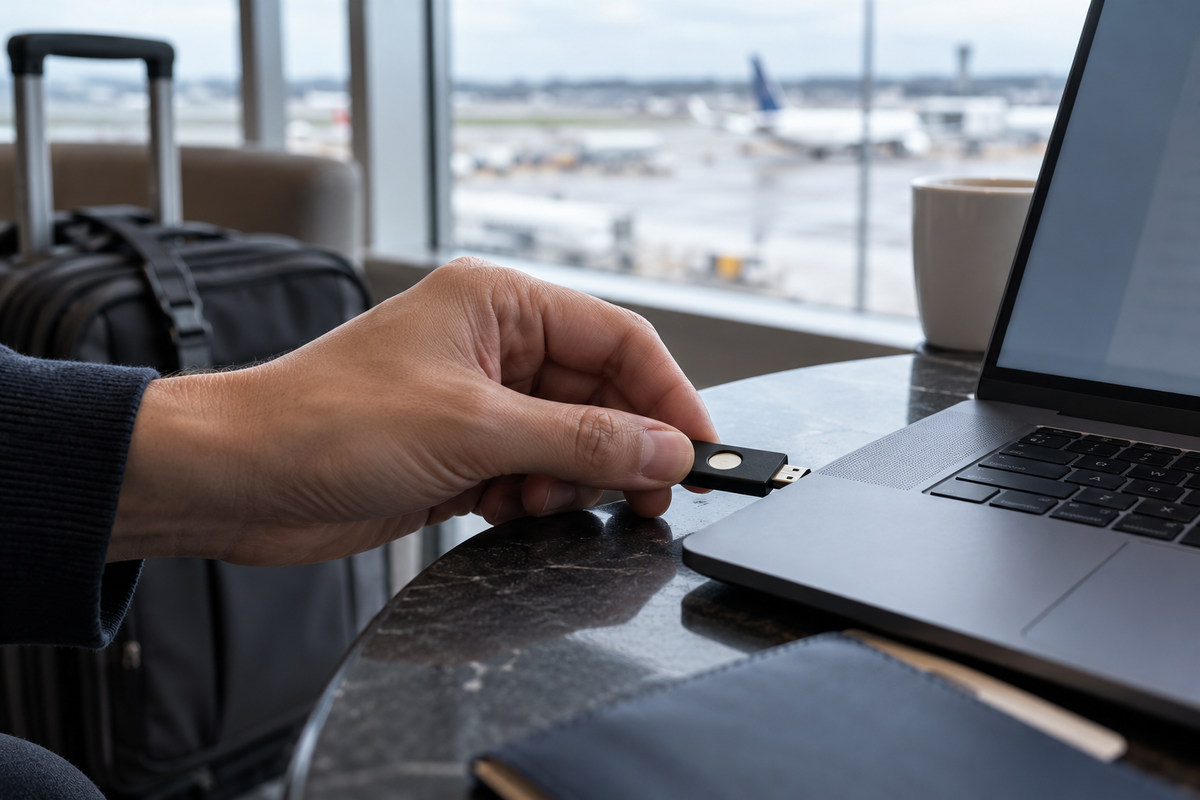
Where an account offers a choice, a physical security key or passkey can be harder to phish than a code sent by SMS. An authenticator app adds a layer over a password, though a person should still refuse a code entered on a page reached through an unexpected link. When SMS is the only option, it still adds a second step to password-only access.
- Use a different password for email, banking, cloud storage and social media.
- Turn on sign-in alerts and review logged-in devices every few months.
- Keep recovery codes offline or in a secure password manager.
- Do not approve an authentication prompt you did not initiate.
- Set a device lock and enable the ability to locate or erase a lost phone.
- Update the recovery phone number and email address after a change.
Repeated login prompts that arrive while you are not signing in can mean another person has your password and is trying to get past the second step. Reject each request, change the password from the official site and review active sessions. If the same password was reused elsewhere, change those accounts as well.
Phone security matters as much as laptop security
Phones hold banking access, identity documents, authenticator apps, location history, photos and private conversations. Keep the operating system and apps current, remove software you no longer use, and review permissions for location, contacts, camera and microphone. A map may need your location while open; a simple wallpaper app does not need your address book.
Use a screen lock that cannot be guessed from a birthday, and make message previews private when the device is shared or left on a desk. Back up important photos and files to a service you can still access if the handset is lost. On public Wi‑Fi, use the official network name, avoid entering payment details into a page that appears unexpectedly and disable auto-join for networks you do not recognise.
For a lost handset, contact the mobile provider to block the SIM, change the email password from a safe device and use the account’s lost-device controls to lock or erase it.
Phone numbers and account recovery settings
Banks and email services may use a mobile number for account recovery; a SIM or provider change can alter access to those accounts. Set a strong account PIN with the mobile company, avoid publishing personal details that make account questions easy to guess, and review the recovery number on important accounts after a move or carrier change. An eSIM still depends on the account that can activate it.
If a phone suddenly loses service and messages arrive about a SIM replacement you did not request, contact the mobile provider through a number found independently. Ask it to check for an unauthorised port or SIM change, then secure the email and financial accounts linked to that number. Do not follow a link in an alert that arrives alongside a lost signal; the message could be part of the attack.
Keep at least one account recovery route that does not depend on the phone being investigated. Securely stored recovery codes, a second trusted device or an authenticator key preserve a route back into accounts if a handset is lost. Review recovery details when a household member changes number, leaves a shared plan or replaces a device.
Safer habits for households and small organisations
Families can agree on a simple way to verify emergencies: a known phone number, a private question or another relative who can confirm the story. The method should not depend on a secret that is already visible on social media. For older relatives and teenagers, practise what to do with a suspicious link without blaming them for asking.
Small organisations should protect shared mailboxes and social accounts with multi-factor authentication, limit admin access, and keep a record of who can approve payments. Bank-detail changes deserve a second-person check using a previously stored phone number. A business email compromise can look like an ordinary invoice conversation after an attacker has quietly taken over a real account.
Backups are most useful when they are separate from the device or account that could be attacked. Keep important documents in a backed-up location, test that a file can be restored and preserve one copy that a compromised login cannot erase. For a small club or business, a short recovery sheet listing accounts, providers and responsible roles helps people find the right provider and identify who will handle each part of recovery.
Testing account recovery and backups
A security setting is useful only if people can still recover the account. Test that the recovery email works, check whether your password manager is backed up, and make sure a trusted person can reach important household or business records if the owner is unavailable. A recovery method that points to an old phone number can lock out the legitimate user just as effectively as an attacker.
Organisations can run a short tabletop exercise: one staff member receives a convincing payment-change email, another must verify it, and a third checks the incident log. The aim is to find unclear steps, not to trick staff. If the team cannot tell who is allowed to stop a transfer, approve a reset or speak to the bank, the process needs a named role.
Common account-security questions
Can a sender label prove that a bank alert is genuine?
No sender label proves that a message came from the bank. Do not open its link or reply with credentials. Start a new session in the bank’s official app or use the number printed on your card to check whether an alert is genuine.
Should I share a one-time code with a caller?
No. A code is a credential that can let someone enter an account or approve an action. End an unexpected call, then contact the bank directly. A legitimate support worker should not ask you to disclose your sign-in code.
Are password managers safe to use?
A reputable password manager stores logins in an encrypted vault and reduces password reuse. Protect the vault with a long unique master passphrase and multi-factor authentication, keep recovery details secure and use the manager’s official app or browser extension.
Where can I report a scam in New Zealand?
The NCSC provides an online reporting route for individuals and small businesses, and its service explains what information is useful. Forward scam texts to 7726. If money was transferred, contact the bank immediately; if there is immediate danger or a crime in progress, call 111.